Ideal para
- Empezar desde un prompt estructurado y reutilizable en lugar de un chat en blanco.
- Adaptar el prompt a tus propios datos manteniendo intacta la intención original.
- Flujos de trabajo relacionados con Creative & Visuals.

Genera un plano de registro gráfico dibujado a mano de un tema complejo con un estilo sketchnote profesional.
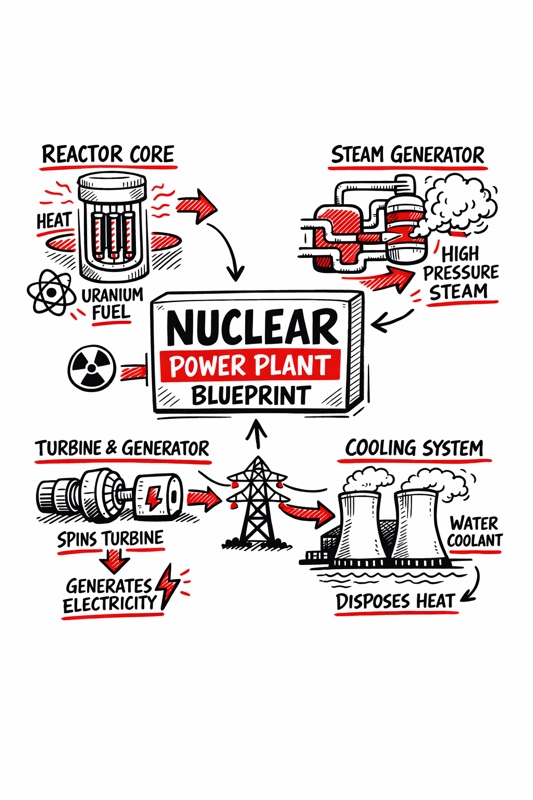
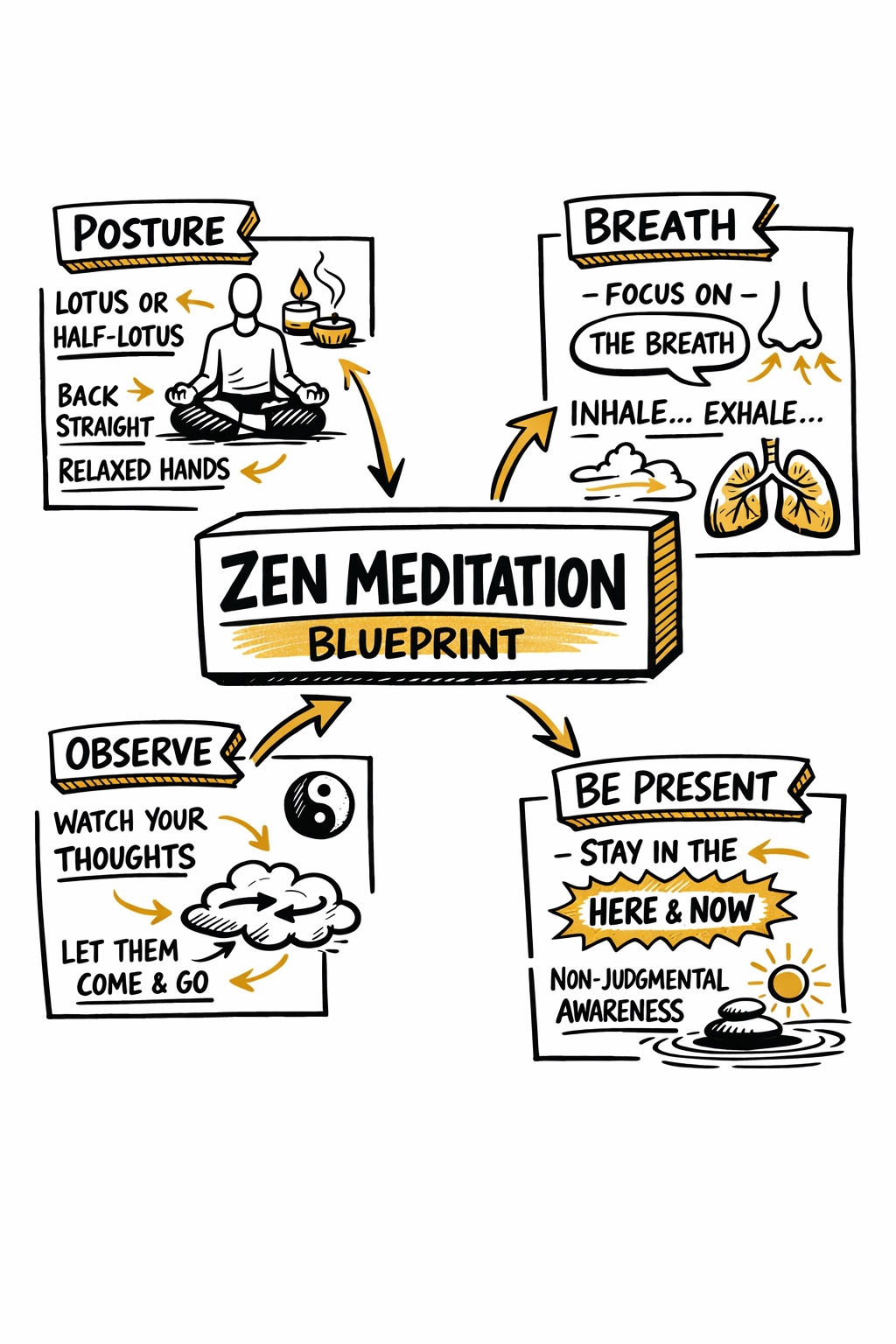
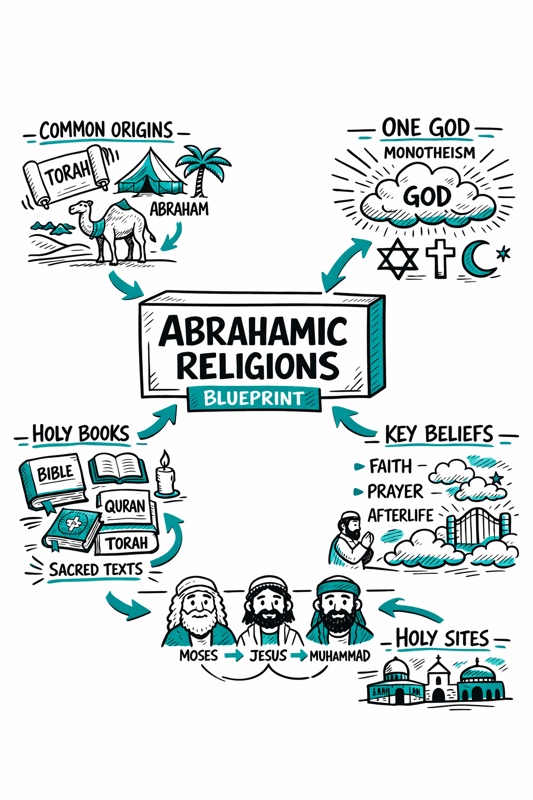
Create a hand-drawn sketchnote visual summary of a {{Topic: Day Trading, Nuclear Reaction, Photo Synthesis, Abrahamian Religions, Federal Banks}} Blueprint.

**Specifications:**
- **Layout:** A4 Vertical
- **Style:** Graphic recording / visual thinking with thick black ink fine-liners.
- **Background:** Pristine white paper (no lines).
- **Colors:** Black outlines with {{Accent Color: Teal, Orange, Red, Blue, Green, Gold}} for shading, arrows, and accents.

**Composition:**
1. **Center:** A 3D-style rectangular box containing the topic title.
2. **Structure:** Single blocks of illustration in the Top Left, Top Right, Bottom Left, and Bottom Right sections.
3. **Details:** Use arrows to connect elements. Scatter matching icons throughout the layout. Ensure all text is distinct, handwritten, and in all-caps.
Day Trading, Nuclear Reaction, Photo Synthesis, Abrahamian Religions, Federal Banks
Teal, Orange, Red, Blue, Green, Gold
Create a hand-drawn sketchnote visual summary of a Day Trading Blueprint.

**Specifications:**
- **Layout:** A4 Vertical
- **Style:** Graphic recording / visual thinking with thick black ink fine-liners.
- **Background:** Pristine white paper (no lines).
- **Colors:** Black outlines with Teal for shading, arrows, and accents.

**Composition:**
1. **Center:** A 3D-style rectangular box containing the topic title.
2. **Structure:** Single blocks of illustration in the Top Left, Top Right, Bottom Left, and Bottom Right sections.
3. **Details:** Use arrows to connect elements. Scatter matching icons throughout the layout. Ensure all text is distinct, handwritten, and in all-caps.
Las variables van entre {{ y }} y siguen este patrón:
Una selección puede hacer referencia a una lista de variables predefinida usando corchetes. Aparecen en [naranja] y proporcionan valores de uso común como colores, tonos o idiomas.
También puedes proporcionar una lista de opciones en línea, separadas por comas.
Consejo: ¡no necesitas la app PUCO para usar estos prompts! Solo copia la plantilla y sustituye cada sección {{…}} por tu propio texto directamente en ChatGPT, Claude, Gemini o cualquier otro asistente de IA.