Idéal pour
- Partir d'un prompt structuré et réutilisable plutôt que d'une conversation vierge.
- Adapter le prompt à vos propres données tout en conservant l'intention d'origine.
- Les workflows liés à Creative & Visuals.

Génère un plan de synthèse graphique dessiné à la main d’un sujet complexe, dans un style sketchnote professionnel.
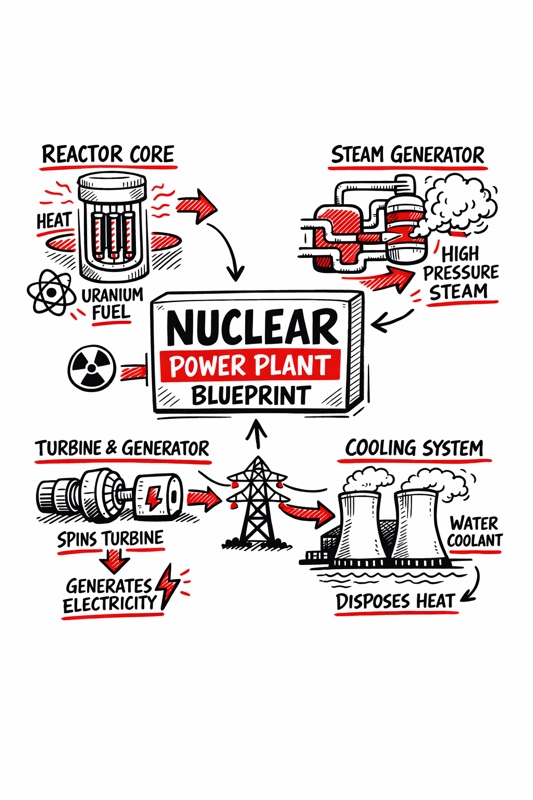
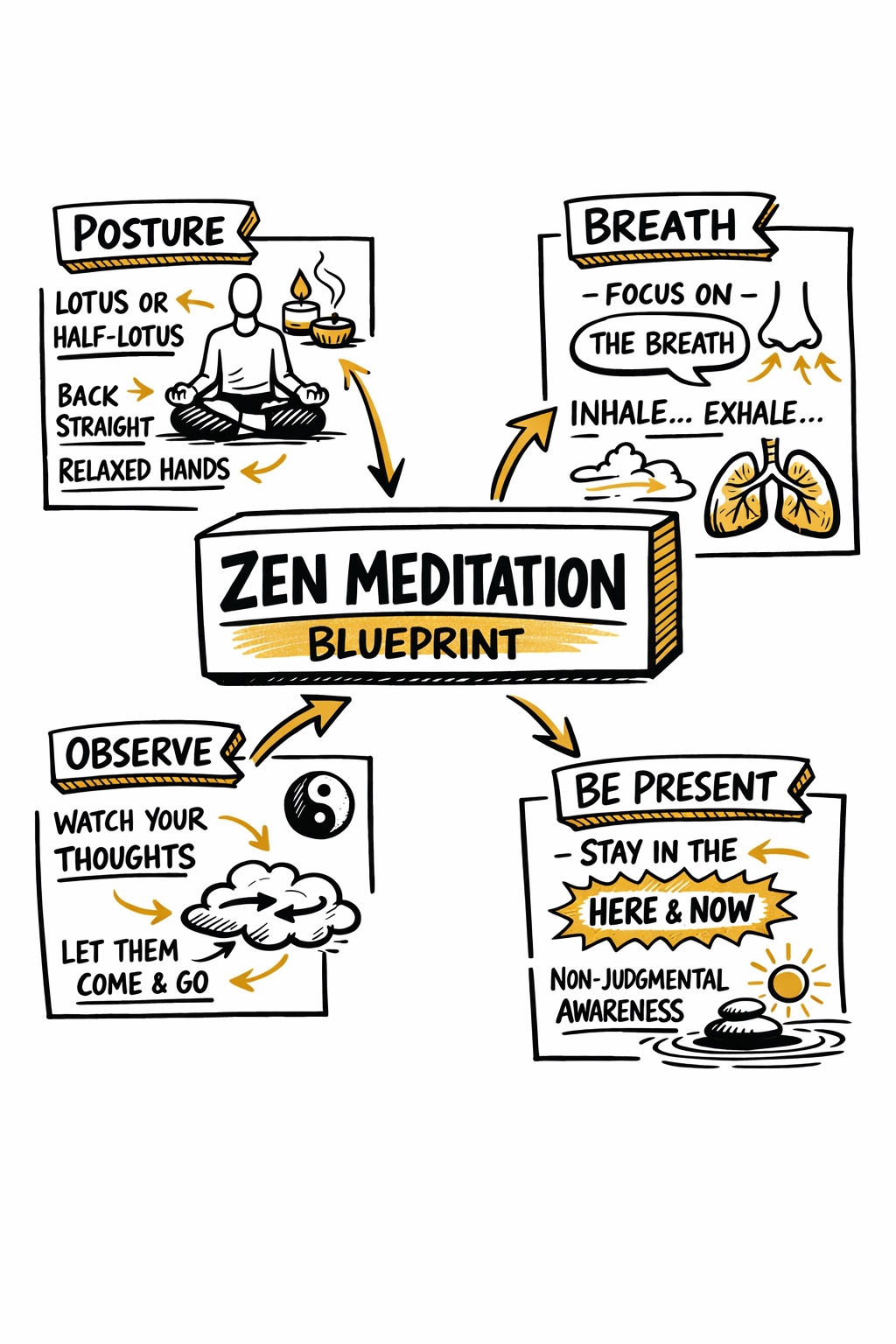
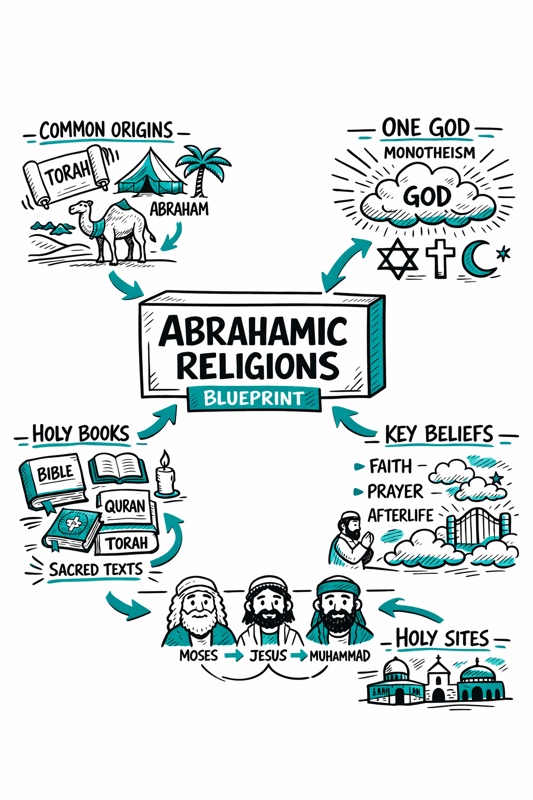
Create a hand-drawn sketchnote visual summary of a {{Topic: Day Trading, Nuclear Reaction, Photo Synthesis, Abrahamian Religions, Federal Banks}} Blueprint.

**Specifications:**
- **Layout:** A4 Vertical
- **Style:** Graphic recording / visual thinking with thick black ink fine-liners.
- **Background:** Pristine white paper (no lines).
- **Colors:** Black outlines with {{Accent Color: Teal, Orange, Red, Blue, Green, Gold}} for shading, arrows, and accents.

**Composition:**
1. **Center:** A 3D-style rectangular box containing the topic title.
2. **Structure:** Single blocks of illustration in the Top Left, Top Right, Bottom Left, and Bottom Right sections.
3. **Details:** Use arrows to connect elements. Scatter matching icons throughout the layout. Ensure all text is distinct, handwritten, and in all-caps.
Day Trading, Nuclear Reaction, Photo Synthesis, Abrahamian Religions, Federal Banks
Teal, Orange, Red, Blue, Green, Gold
Create a hand-drawn sketchnote visual summary of a Day Trading Blueprint.

**Specifications:**
- **Layout:** A4 Vertical
- **Style:** Graphic recording / visual thinking with thick black ink fine-liners.
- **Background:** Pristine white paper (no lines).
- **Colors:** Black outlines with Teal for shading, arrows, and accents.

**Composition:**
1. **Center:** A 3D-style rectangular box containing the topic title.
2. **Structure:** Single blocks of illustration in the Top Left, Top Right, Bottom Left, and Bottom Right sections.
3. **Details:** Use arrows to connect elements. Scatter matching icons throughout the layout. Ensure all text is distinct, handwritten, and in all-caps.
Les variables sont entourées de {{ et }} et suivent ce modèle :
Une sélection peut référencer une liste de variables prédéfinie à l'aide de crochets. Elles apparaissent en [orange] et fournissent des valeurs courantes comme des couleurs, des tons ou des langues.
Vous pouvez aussi fournir une liste de choix en ligne, séparés par des virgules.
Astuce : vous n'avez pas besoin de l'application PUCO pour utiliser ces prompts ! Copiez simplement le modèle et remplacez chaque section {{…}} par votre propre texte directement dans ChatGPT, Claude, Gemini ou tout autre assistant IA.