Best For
- Starting from a structured, reusable prompt instead of a blank chat.
- Adapting the prompt to your own inputs while keeping the original intent intact.
- Workflows related to Creative & Visuals.

Generates hand-drawn, watercolor-style educational infographics that explain complex topics through visual storytelling and sketchnotes.
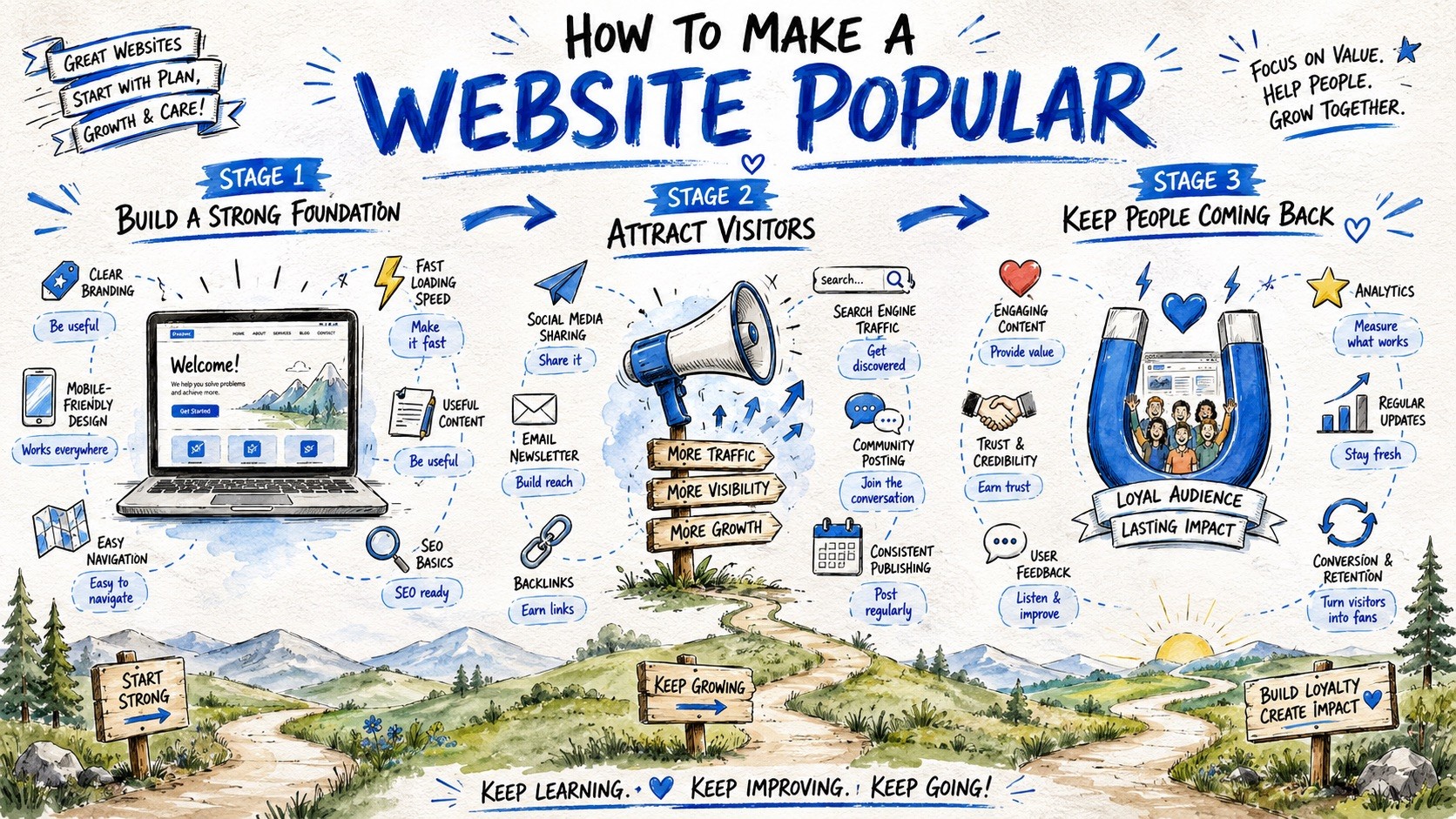
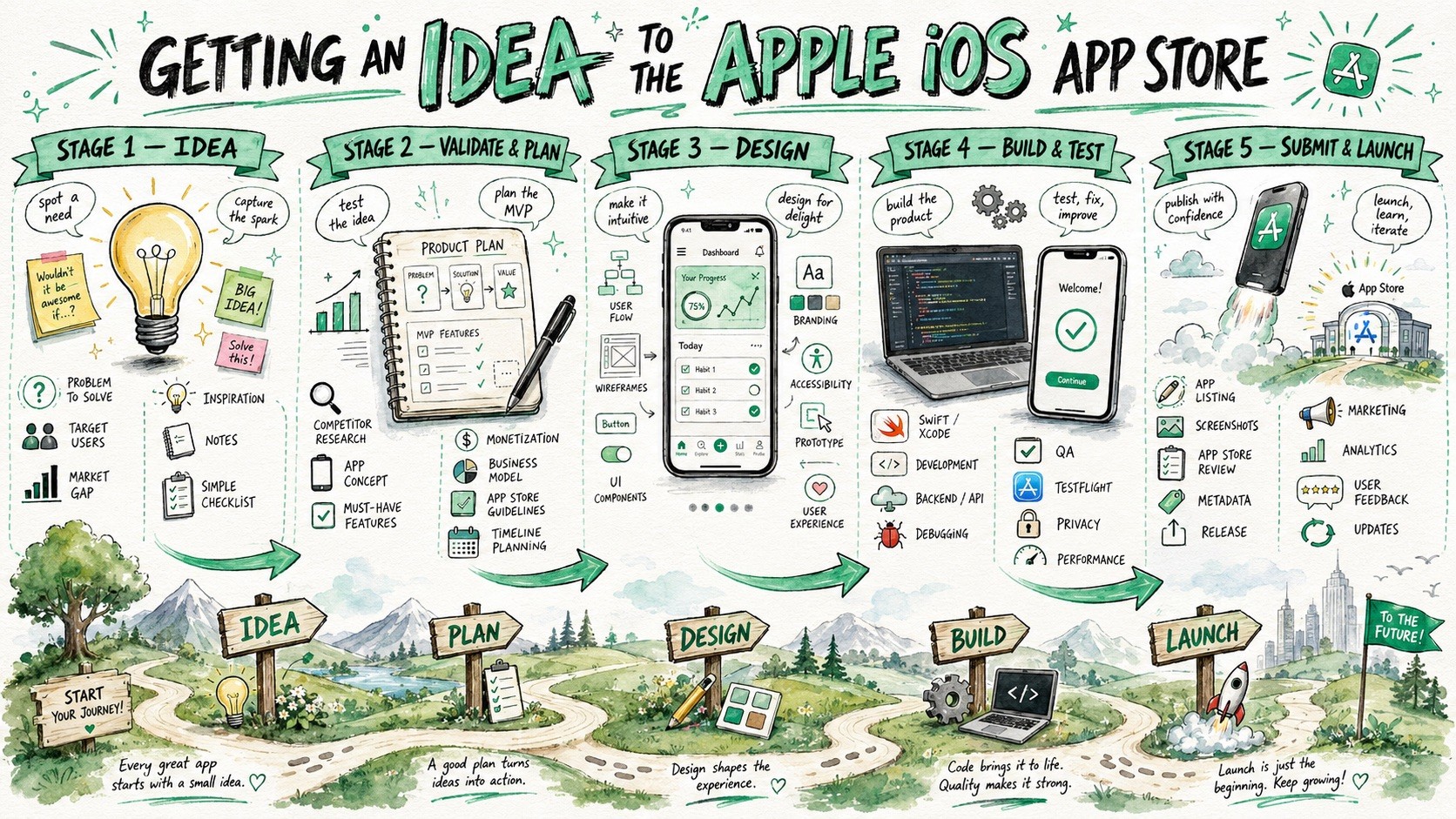
Create a large-format hand-drawn infographic illustration about {{Topic: e.g. How the Puco app organizes prompts for teams}}. The style must combine visual facilitation sketchnotes, watercolor concept art, and educational whiteboard storytelling. Structure the composition as a horizontal {{Layout Style: Journey Map, Evolution Timeline, Roadmap, Visual Presentation}} with {{Stages: 3 Stages, 4 Stages , 5 Stages , 6 Stages , 7 Stages , 8 Stages, 9 Stages}} sequential horizontal sections. Visual Language: Use loose but controlled sketch illustrations with organic hand-drawn imperfections and expressive black ink outlines. Color Palette: Apply a watercolor and marker hybrid rendering using {{Accent Colors: Cobalt Blue, Turquoise, Mint Green, Orange, Golden Yellow, Violet, Soft Pink, Sky Blue, Charcoal }} as primary accents on a textured white paper background. Composition: Feature a large, bold hand-painted title at the top center. Each stage should include a central hero object, supporting mini-icons, and hand-drawn curved arrows to guide the flow. The bottom third should contain a continuous grounding landscape, such as rolling hills or a curving path, to reinforce the narrative journey. Tone: {{Tone: Optimistic, Educational, Imaginative, Clean, Future-focused, Dystopian}}.
e.g. How the Puco app organizes prompts for teams
Journey Map, Evolution Timeline, Roadmap, Visual Presentation
3 Stages, 4 Stages, 5 Stages, 6 Stages, 7 Stages, 8 Stages, 9 Stages
Cobalt Blue, Turquoise, Mint Green, Orange, Golden Yellow, Violet, Soft Pink, Sky Blue
Optimistic, Educational, Imaginative, Clean, Future-focused, Dystopian
Create a large-format hand-drawn infographic illustration about e.g. How the Puco app organizes prompts for teams. The style must combine visual facilitation sketchnotes, watercolor concept art, and educational whiteboard storytelling. Structure the composition as a horizontal Journey Map with 3 Stages sequential horizontal sections. Visual Language: Use loose but controlled sketch illustrations with organic hand-drawn imperfections and expressive black ink outlines. Color Palette: Apply a watercolor and marker hybrid rendering using Cobalt Blue as primary accents on a textured white paper background. Composition: Feature a large, bold hand-painted title at the top center. Each stage should include a central hero object, supporting mini-icons, and hand-drawn curved arrows to guide the flow. The bottom third should contain a continuous grounding landscape, such as rolling hills or a...
Variables are wrapped in {{ and }} and follow this pattern:
A selection can reference a predefined variable list using square brackets. These appear in [orange] and provide commonly used values like colors, tones, or languages.
You can also provide an inline list of choices separated by commas.
Tip: You don't need the PUCO app to use these prompts! Simply copy the template and replace each {{…}} section with your own text directly in ChatGPT, Claude, Gemini, or any other AI assistant.