Best For
- Starting from a structured, reusable prompt instead of a blank chat.
- Adapting the prompt to your own inputs while keeping the original intent intact.
- Workflows related to Photography.

Generates a raw, high-contrast night photograph with direct flash for a paparazzi-style aesthetic.
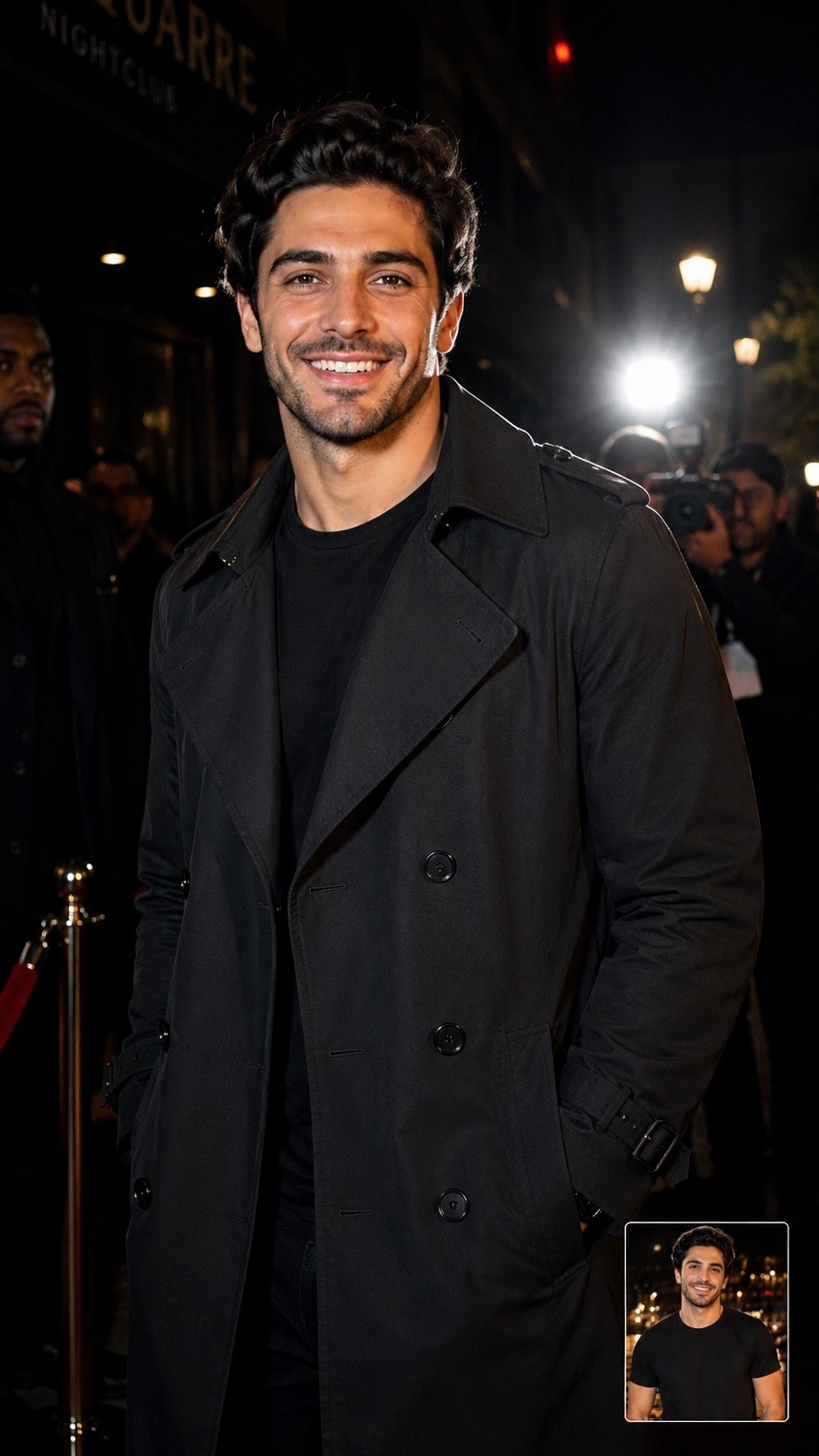
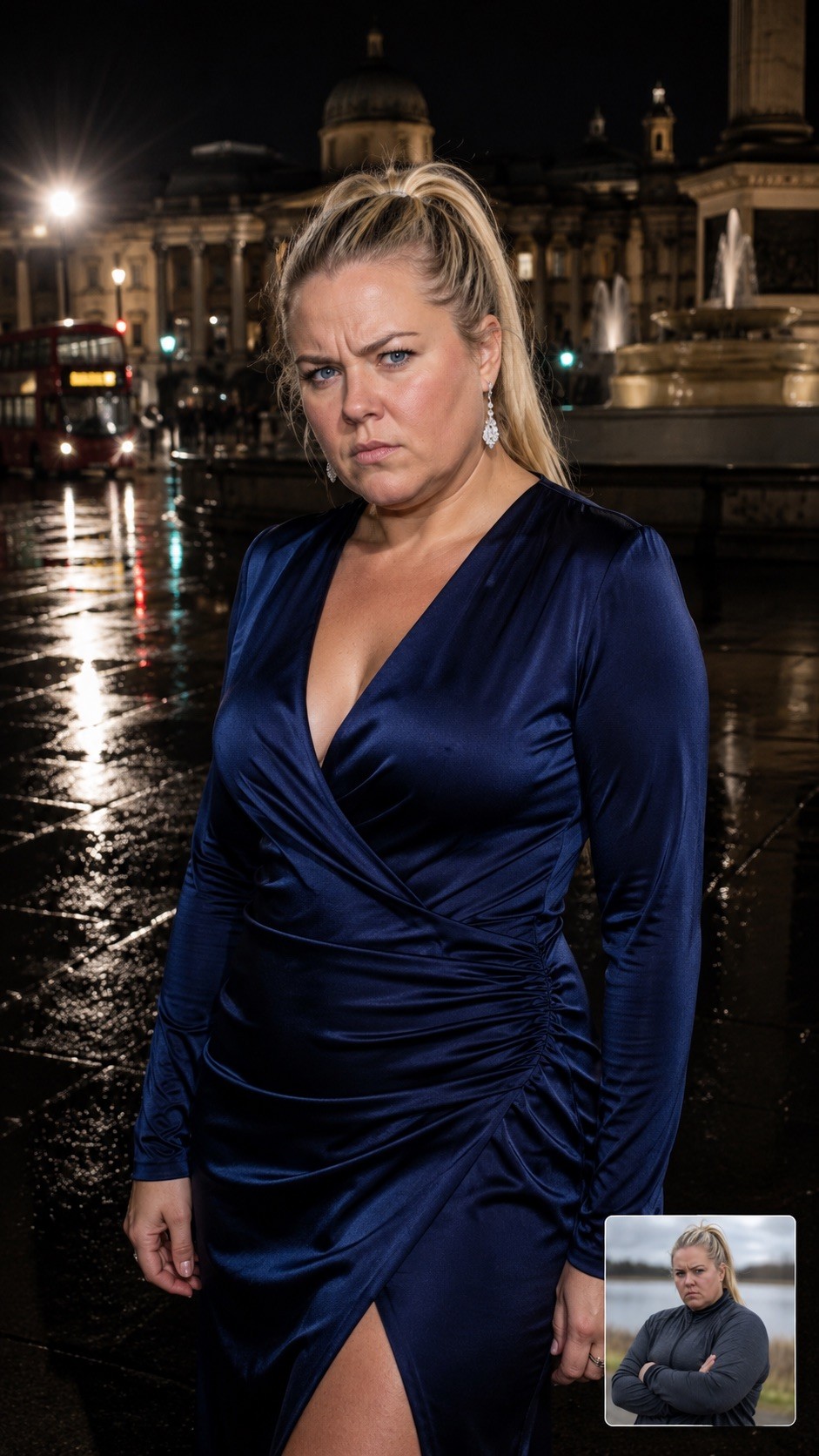
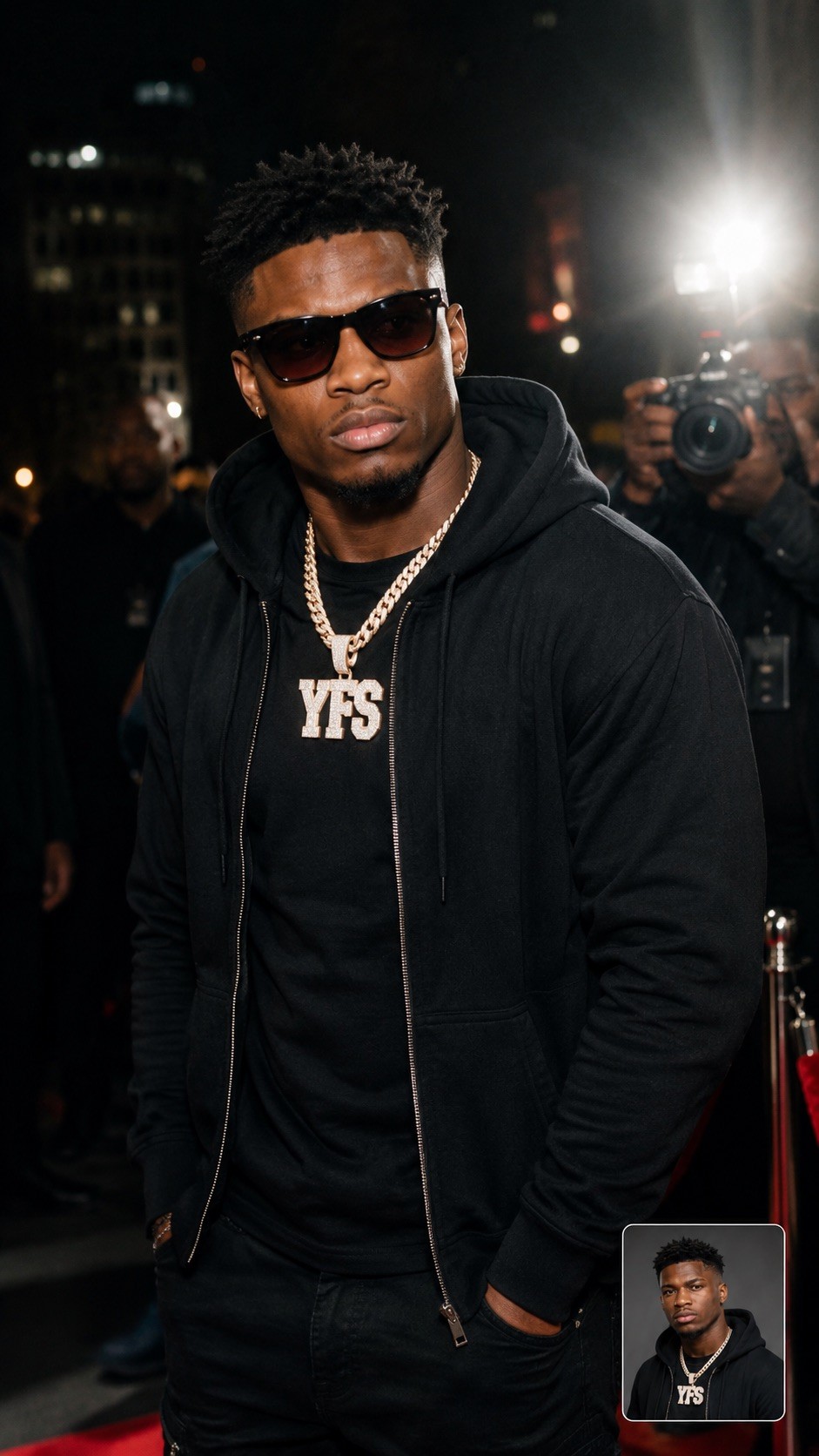
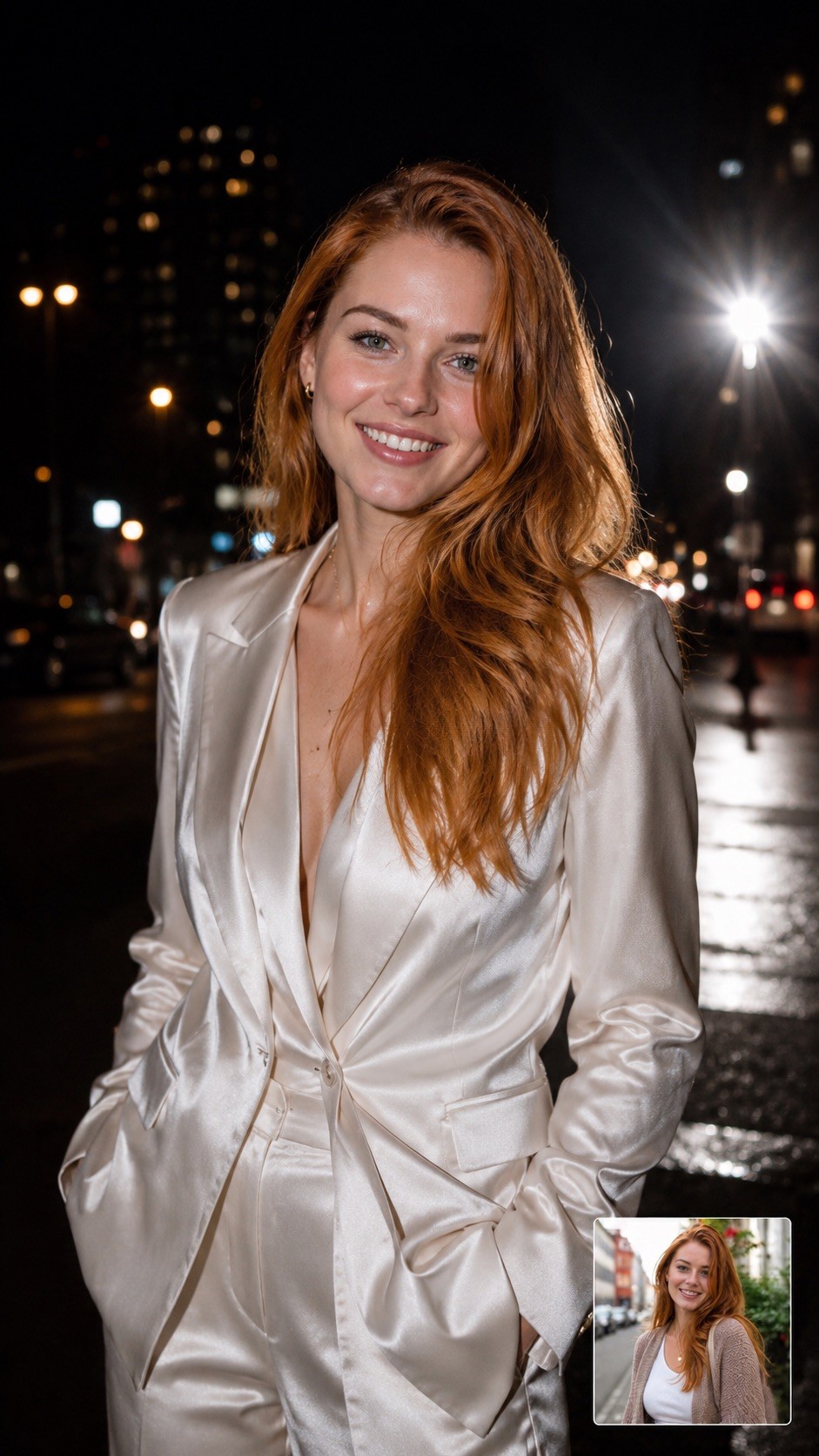
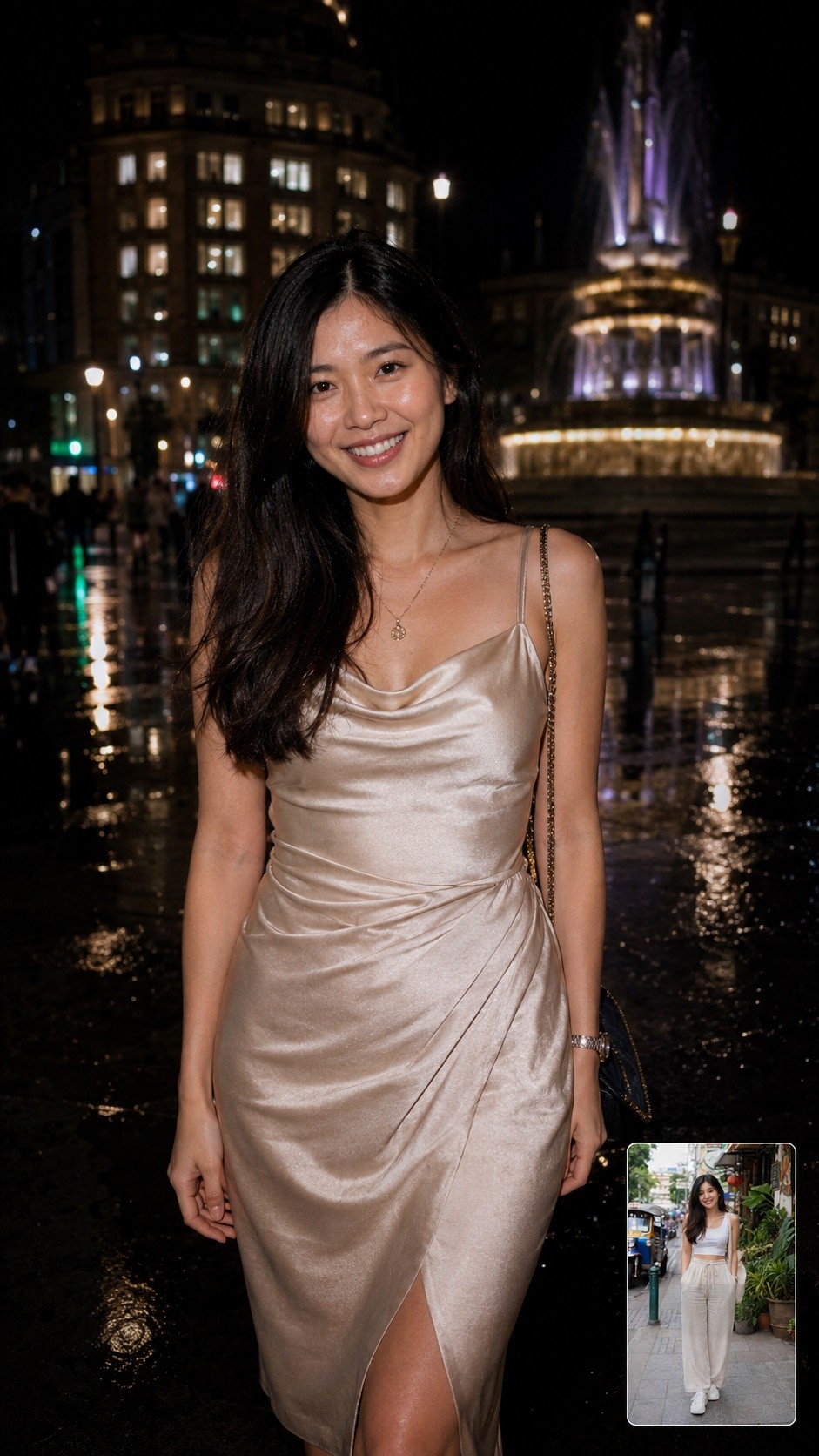
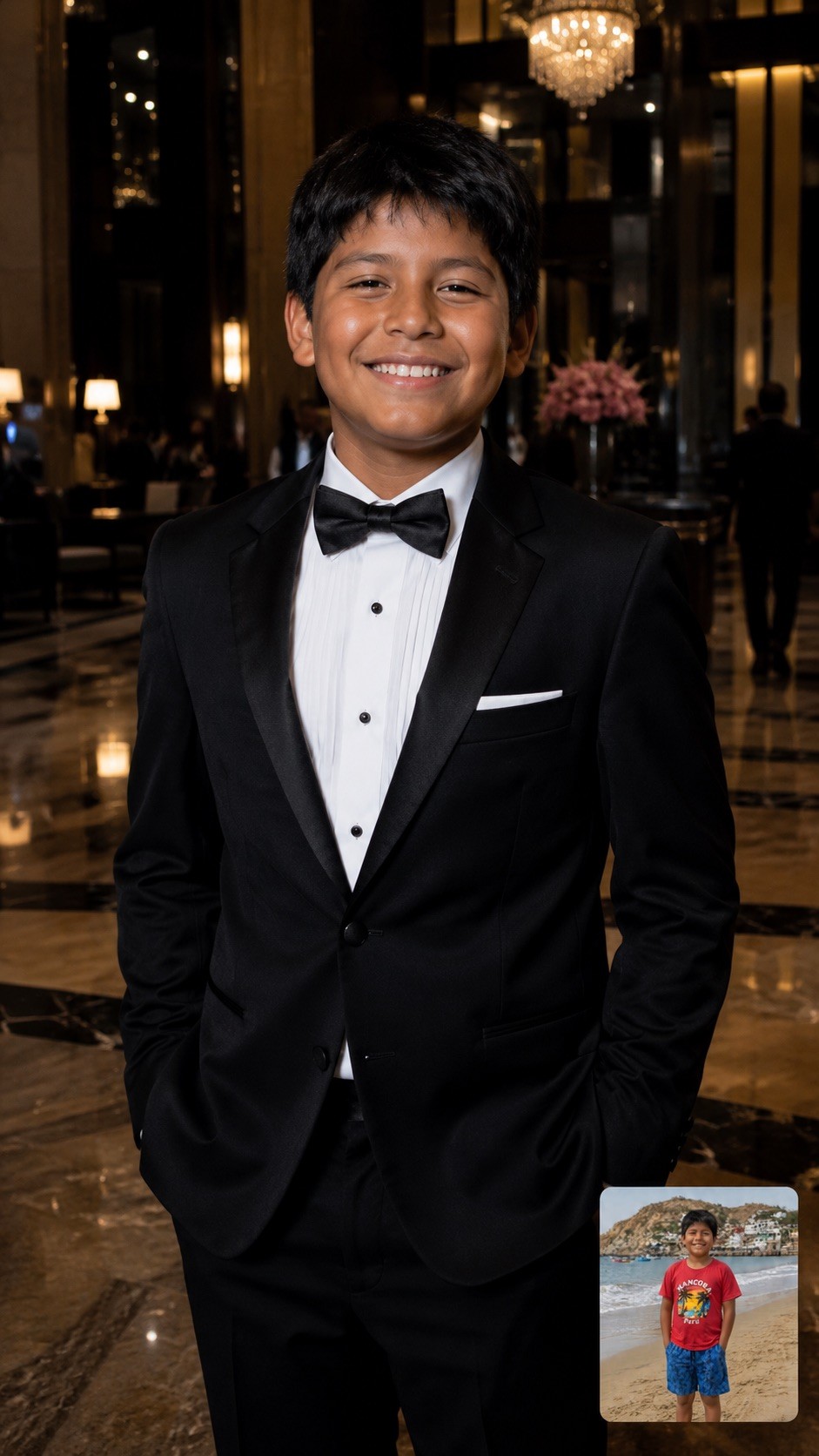
A hyper-realistic, half-body candid photograph of {{Subject: The person on the attached photo, a celebrity, a stylish woman, a man, a fashion model, a mysterious stranger, a socialite, a musician, an actor, a trendsetter, a high-profile athlete}} {{Dressing: in a designer trench coat, in a leather jacket, in a sharp tuxedo, in urban streetwear, in a fedora, in a sequined gown, in sunglasses and a hoodie, in a silk suit, in a cocktail dress, in casual chic attire}} captured at night on {{Location: a city street, a busy sidewalk, outside a premier nightclub, a red carpet entrance, a luxury hotel lobby, the back exit of a theater, a crowded airport terminal, the parking lot of a trendy restaurant, a busy subway entrance, a rainy London square, a Fifth Avenue storefront, a narrow alleyway in Soho, a beach club entrance at night}}. The lighting is dominated by a powerful, direct 'paparazzi-style' camera flash that creates bright, crisp skin tones and sharp highlights on the face. The background is a high-contrast, moody urban landscape with deep shadows. The image includes slight lens flare from the flash, maintaining a raw and authentic 'captured in the moment' nightlife aesthetic.
Aspect Ratio: {{Aspect Ratios: [aspect_ratios]}}
The person on the attached photo, a celebrity, a stylish woman, a man, a fashion model, a mysterious stranger, a socialite, a musician
in a designer trench coat, in a leather jacket, in a sharp tuxedo, in urban streetwear, in a fedora, in a sequined gown, in sunglasses and a hoodie, in a silk suit
a city street, a busy sidewalk, outside a premier nightclub, a red carpet entrance, a luxury hotel lobby, the back exit of a theater, a crowded airport terminal, the parking lot of a trendy restaurant
[aspect_ratios]
A hyper-realistic, half-body candid photograph of The person on the attached photo in a designer trench coat captured at night on a city street. The lighting is dominated by a powerful, direct 'paparazzi-style' camera flash that creates bright, crisp skin tones and sharp highlights on the face. The background is a high-contrast, moody urban landscape with deep shadows. The image includes slight lens flare from the flash, maintaining a raw and authentic 'captured in the moment' nightlife aesthetic.
Aspect Ratio: [aspect_ratios]
Variables are wrapped in {{ and }} and follow this pattern:
A selection can reference a predefined variable list using square brackets. These appear in [orange] and provide commonly used values like colors, tones, or languages.
You can also provide an inline list of choices separated by commas.
Tip: You don't need the PUCO app to use these prompts! Simply copy the template and replace each {{…}} section with your own text directly in ChatGPT, Claude, Gemini, or any other AI assistant.