เหมาะสำหรับ
- เริ่มจากพรอมต์ที่มีโครงสร้างและใช้ซ้ำได้ แทนที่จะเป็นแชทเปล่า
- ปรับพรอมต์ให้เข้ากับข้อมูลของคุณ โดยยังคงเจตนาเดิมไว้
- เวิร์กโฟลว์ที่เกี่ยวข้องกับ Creative & Visuals

สร้างบันทึกเชิงภาพแบบวาดมือสำหรับหัวข้อที่ซับซ้อน ด้วยสไตล์ sketchnote ระดับมืออาชีพ
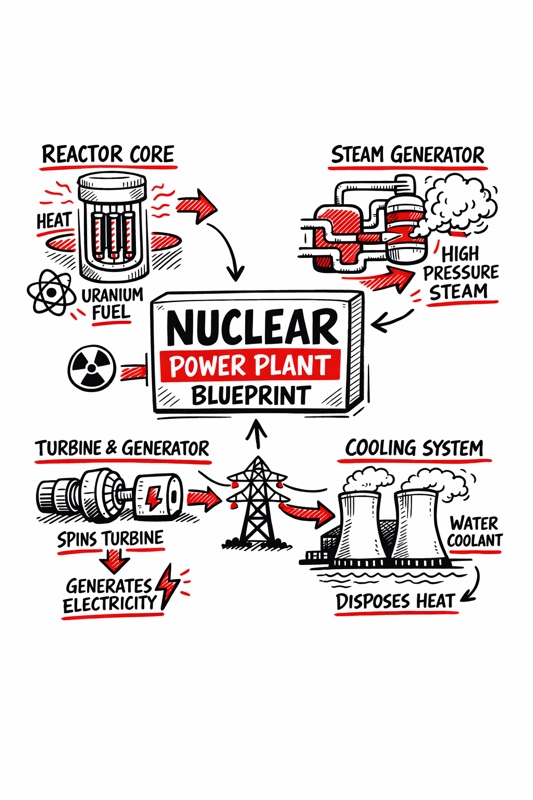
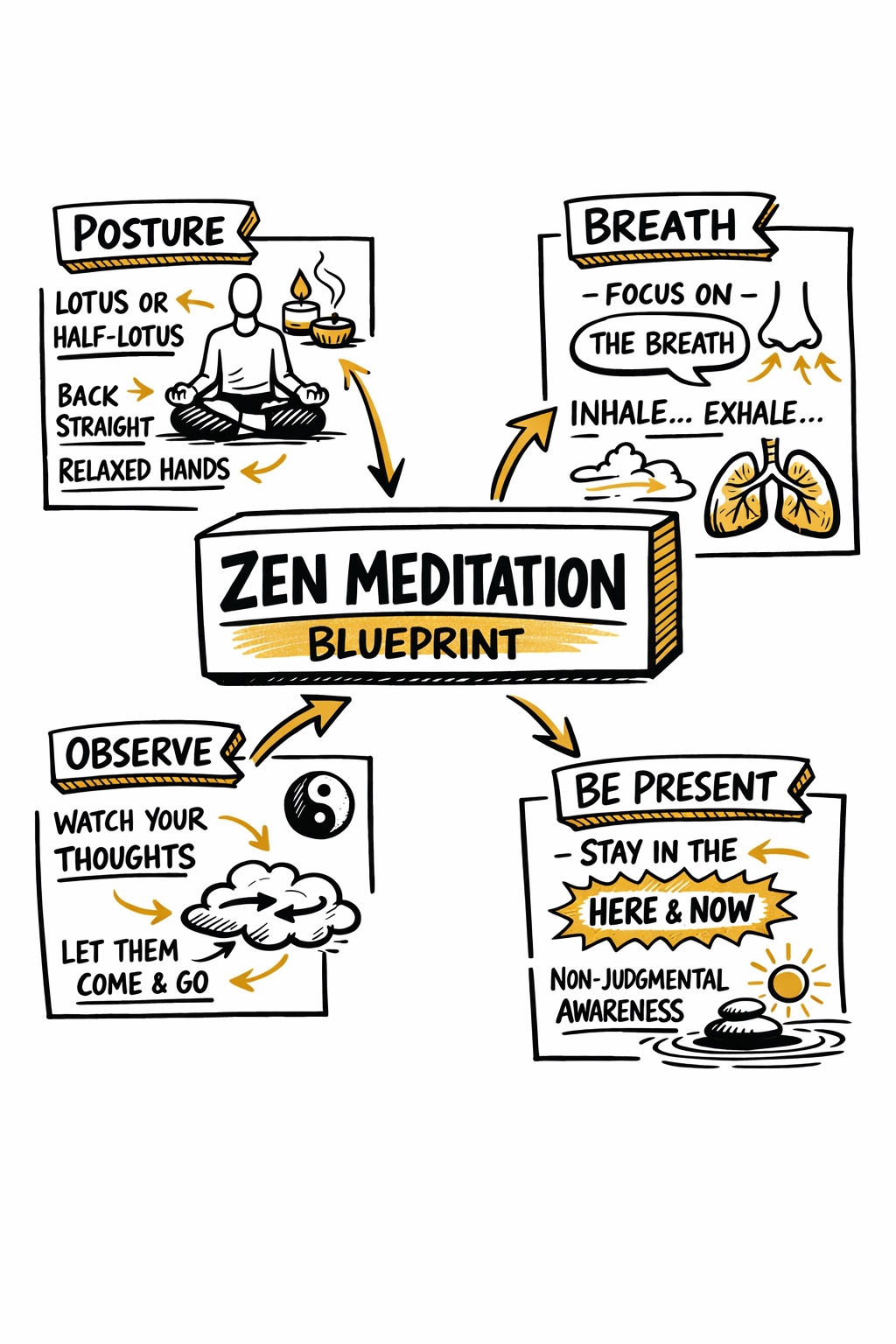
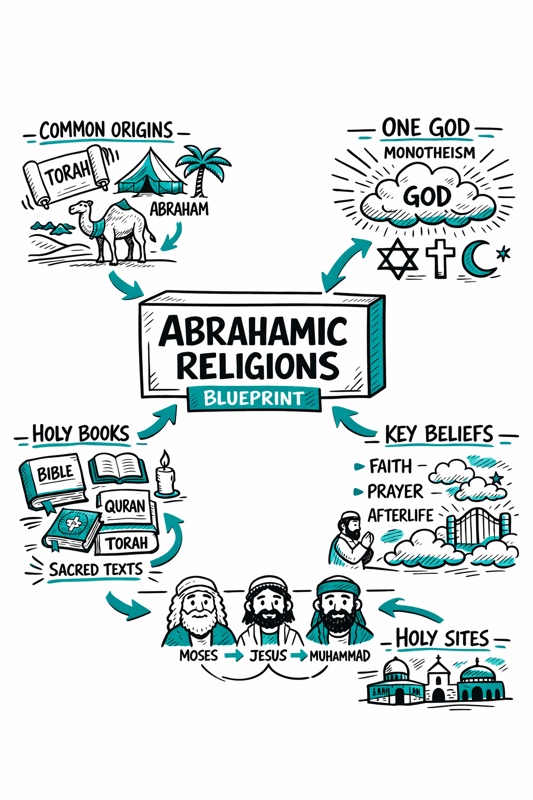
Create a hand-drawn sketchnote visual summary of a {{Topic: Day Trading, Nuclear Reaction, Photo Synthesis, Abrahamian Religions, Federal Banks}} Blueprint.

**Specifications:**
- **Layout:** A4 Vertical
- **Style:** Graphic recording / visual thinking with thick black ink fine-liners.
- **Background:** Pristine white paper (no lines).
- **Colors:** Black outlines with {{Accent Color: Teal, Orange, Red, Blue, Green, Gold}} for shading, arrows, and accents.

**Composition:**
1. **Center:** A 3D-style rectangular box containing the topic title.
2. **Structure:** Single blocks of illustration in the Top Left, Top Right, Bottom Left, and Bottom Right sections.
3. **Details:** Use arrows to connect elements. Scatter matching icons throughout the layout. Ensure all text is distinct, handwritten, and in all-caps.
Day Trading, Nuclear Reaction, Photo Synthesis, Abrahamian Religions, Federal Banks
Teal, Orange, Red, Blue, Green, Gold
Create a hand-drawn sketchnote visual summary of a Day Trading Blueprint.

**Specifications:**
- **Layout:** A4 Vertical
- **Style:** Graphic recording / visual thinking with thick black ink fine-liners.
- **Background:** Pristine white paper (no lines).
- **Colors:** Black outlines with Teal for shading, arrows, and accents.

**Composition:**
1. **Center:** A 3D-style rectangular box containing the topic title.
2. **Structure:** Single blocks of illustration in the Top Left, Top Right, Bottom Left, and Bottom Right sections.
3. **Details:** Use arrows to connect elements. Scatter matching icons throughout the layout. Ensure all text is distinct, handwritten, and in all-caps.
ตัวแปรจะอยู่ภายใน {{ และ }} และเป็นไปตามรูปแบบนี้:
ตัวเลือกสามารถอ้างอิงรายการตัวแปรที่กำหนดไว้ล่วงหน้าโดยใช้วงเล็บเหลี่ยม ตัวเลือกเหล่านี้จะแสดงเป็น[สีส้ม]และให้ค่าที่ใช้บ่อย เช่น สี โทน หรือภาษา
คุณยังสามารถระบุรายการตัวเลือกแบบอินไลน์ โดยคั่นด้วยเครื่องหมายจุลภาคได้
เคล็ดลับ: คุณไม่จำเป็นต้องใช้แอป PUCO เพื่อใช้พรอมต์เหล่านี้! เพียงคัดลอกเทมเพลตและแทนที่แต่ละส่วน {{…}} ด้วยข้อความของคุณเองโดยตรงใน ChatGPT, Claude, Gemini หรือผู้ช่วย AI อื่น ๆ